How to Choose the Application Type
Use Application Assistant on PermitSLO to Choose the Correct Application Type.
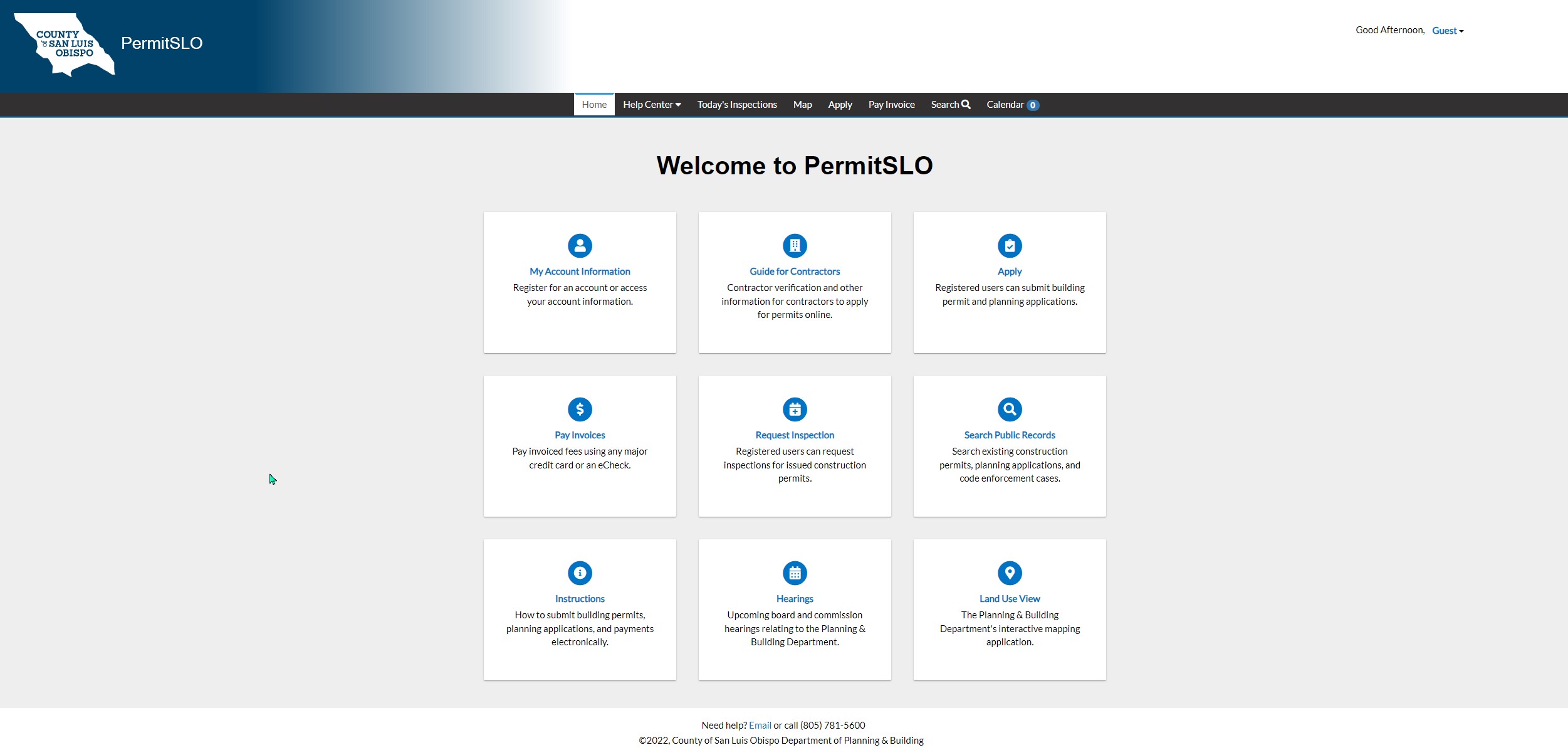
- Open the PermitSLO Online Application portal: PermitSLO
- Make sure you are signed into your account. If you do not have an account and need to register, follow this Login and Registration Process link.
- Once you are logged into your account, click Apply on the Main Menu
- Follow the process and instructions detailed below.
What is the process?
Decision Engine (Application Assistant)
1.In the top menu, click Apply. Click "Help Me Choose."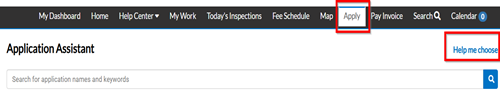
-
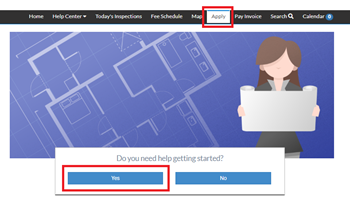
Click Yes when asked "Do you Need Help Getting Started?"
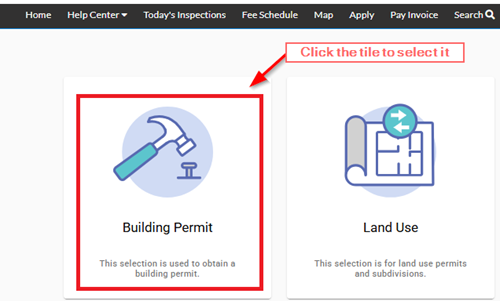
Click Either of the Initial Tiles: Building or Land Use
Click either the tile for a Building Permit for a Construction Permit or Land Use for a Planning Application.
The next page will lead to one of the following (see more information and screenshots below):
- Additional tiles to select from (see below), or
- A list of questions that will populate the correct Apply button for the Permit/Plan, or
- The correct Apply button for the Permit/Plan
Click to Select the Correct Tiles That Follow
A series of tiles will populate based on which initial tile is chosen.
Click the tile with the best option to select it.
Subsequent tile options will be provided until the user is lead to a list of Applications with the final Apply button.
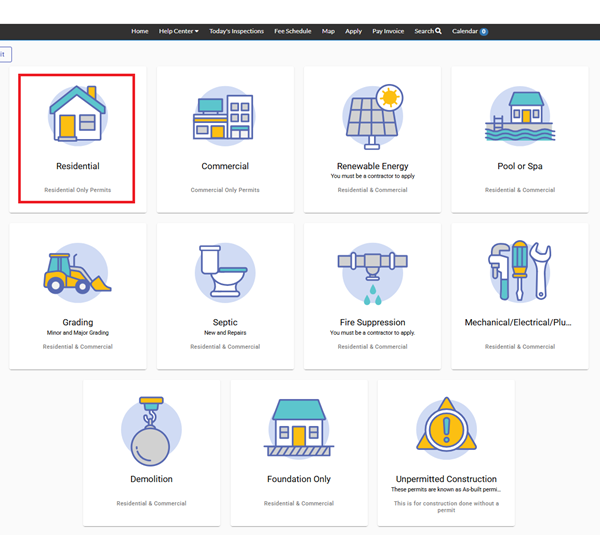
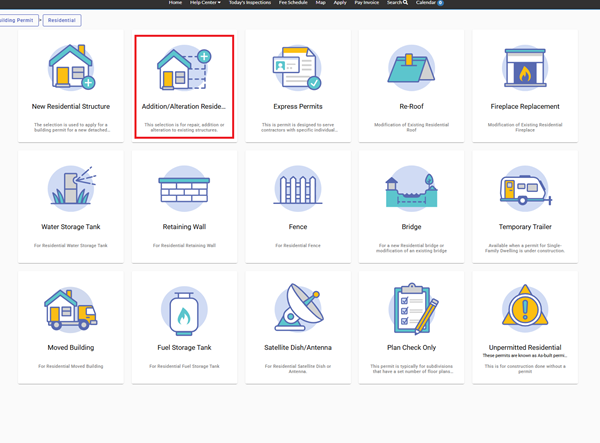
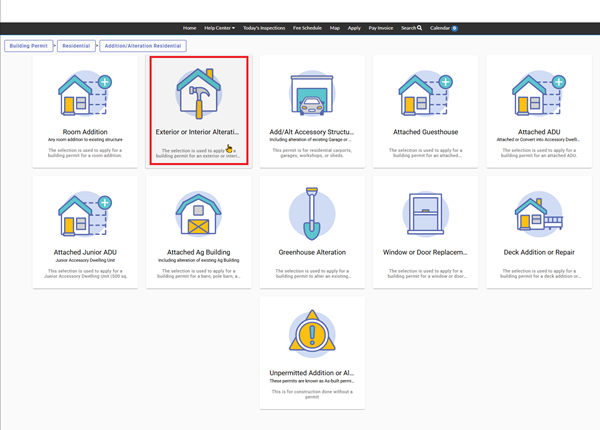
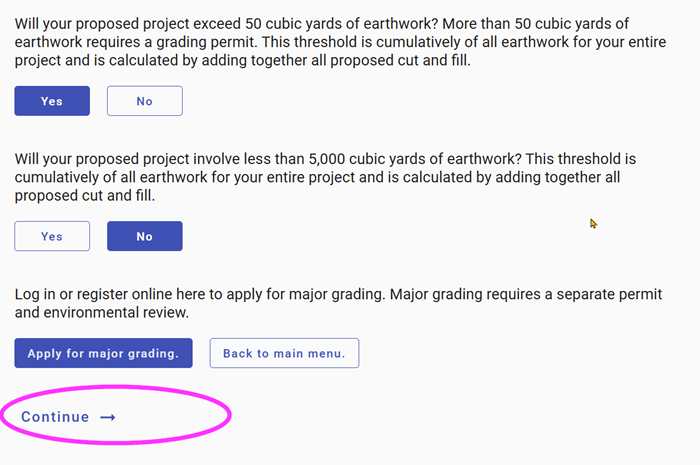
OR Answer Questions by Clicking the Best Response
A series of questions will populate and when an answer is chosen it will lead to either another question or the Continue button and then the correct apply button,
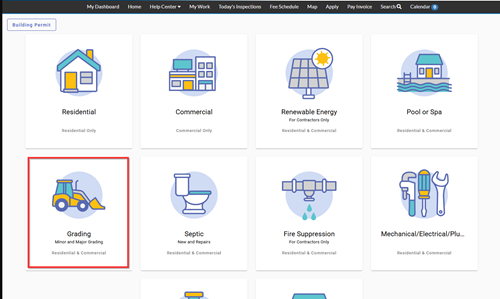
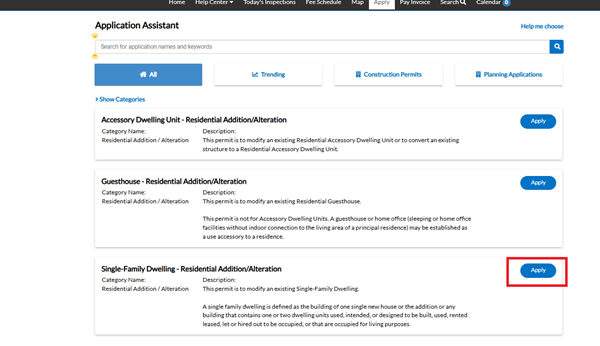
Then Click the Apply Button on the Correct Category
A list of recommended Applications will be provided with a brief description for each to assist customers to make the final decision. Click the Apply button to create an Application in that category.
See Video Demonstration Below
When and where is this service offered?
This service is available 24-hours a day or night for the convenient use by the public. There may be intermittent system outages for regular maintenance and upgrades, but those will be noticed when scheduled in advance. Thank you.