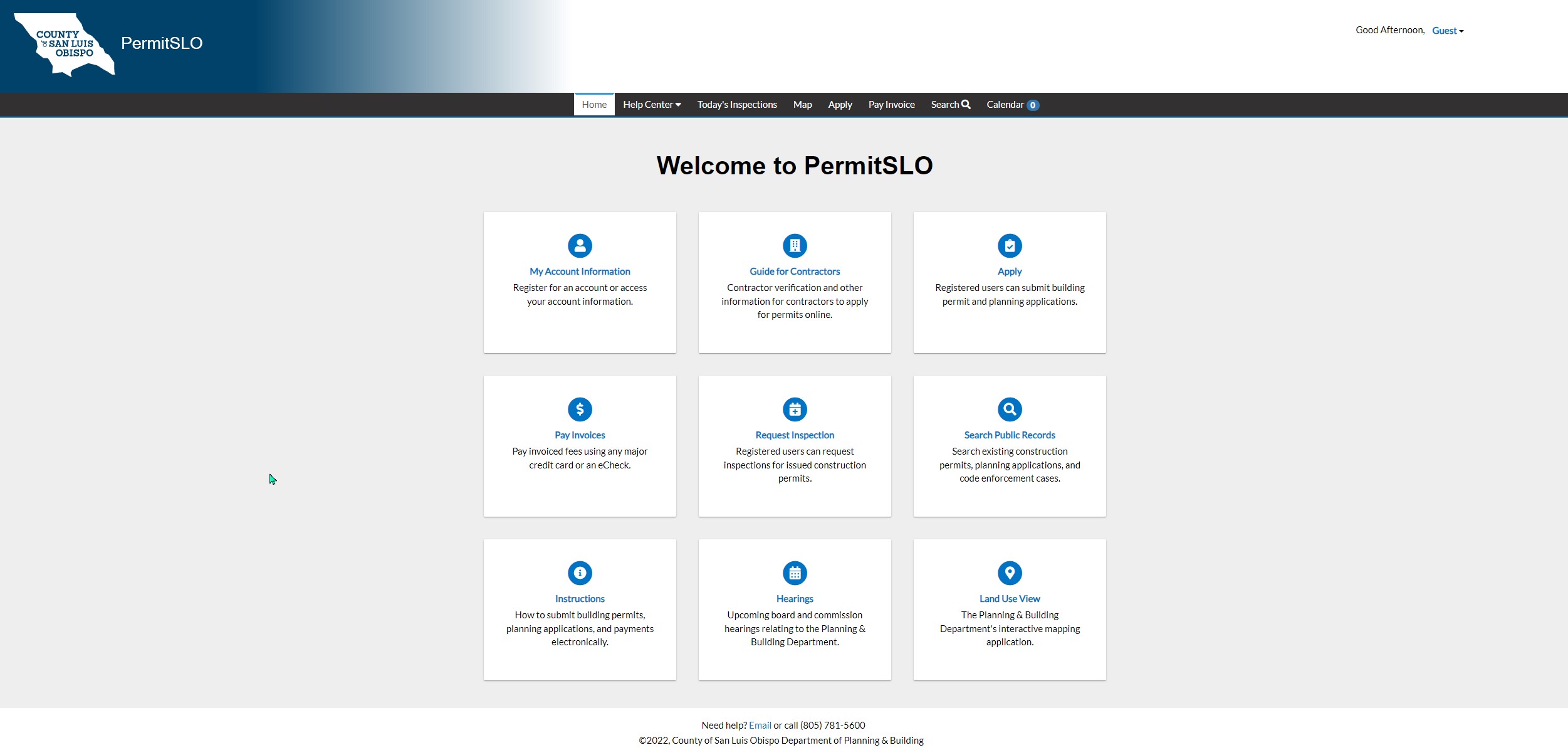
The Phases of Review After Submitting an Application Online Using PermitSLO
Phase 1: Application Submitted and Permit Case Number Assigned on the PermitSLO Portal
Phase 2: Completeness Check of Documents
Phase 3: Plan Review
Phase 4: Permit Notify
Phase 5: Permit Issuance
Phase 6: Construction and Inspections
Phase 7: Final Approval
What is the process?
Phase 1: Application Submittal
Once a Permit has been submitted using our PermitSLO online portal, the application will be assigned a Permit Case Number.
See our how-to guide for PermitSLO: How-to Guides for PermitSLO
An automatic invoice for the initial application fees will be generated and emailed to the billing contact.The applicant has fifteen (15) calendar days to pay the intake fees.
The Building Division Supervisor will receive notice of the application and assign it to the Permit Technician to ensure fees are paid and then start the Completeness Check.
Phase 2: Completeness Check
Once fees are paid, the submittal will be routed to the Permit Technician, Building Plans Examiner, Planner and others as needed to verify all construction documents have been submitted.
If the submittal is incomplete:
A notice will be sent to the applicant identifying the missing information or documents.
Applicants will be expected to resubmit a complete package within 10 business days under the same Permit Case Number.
Each subsequent Completeness Check review cycle will typically take 1-3 days.
If the submittal is complete:
A Permit Technician will generate an invoice for the plan check fees that will need to be paid prior to plan review. The applicant has fifteen (15) calendar days to pay the review fees.
Phase 3: Plan Review
Once the review fees are paid, the Permit Technician will route the submittal to various subject matter experts who will review the construction documents for compliance with applicant codes, ordinances, regulations and development standards.
Subject Matter Experts, include, but are not limited to, staff from:
Building, Planning, Public Works, County Fire
If corrections are required, the plan review comments will be released to the applicant after all reviewers have completed their review.
Applicant revises plans and resubmits for next round of review through PermitSLO.
Additional review cycles occur until all review comments have been addressed satisfactorily.
Phase 4: Permit Notify
Once all reviews are approved, the Plans Examiner will finalize the permit conditions and will organize the permanent digital record.
Permit Technicians will verify fee calculations, invoice second installment fees, and prepare conditions list for the applicant to address prior to issuance.
Phase 5: Permit Issuance
A Permit Ready Notification will be sent to the applicant by email, outlining any remaining conditions and final fees due.
Permit Technicians will verify all fees have been paid in full, confirm all conditions have been satisfied and prepare permit for issuance.
Phase 6: Construction and Inspections
Construction permit will be issued and construction may start.
During construction, the builder will be required to request inspections in the PermitSLO portal and satisfy the remaining conditions listed in the permit.
Phase 7: Final Approval
Once all inspections complete and verification of compliance has been determined, the permit will be final.
When and where is this service offered?
This service is available throughout the year during regular business hours except during scheduled holidays.
FAQs
PermitSLO is the County of San Luis Obispo's online electronic submittal portal that the public can use to apply for building and construction permits.
Click here for more information about PermitSLO, how to use PermitSLO and a link to access PermitSLO.
The Permit Case Number will look something like this, for example, RBLD2026-00XXX (four letters, followed by the year of the application, a dash, and then five numbers).
If you have a Permit Case Number and the fees have been paid, please contact the Planning and Building Department for an update. Be sure to have your case number available for reference.
NOTE: Check your spam and junk inbox for emails from [email protected]. Add [email protected] to your email contacts. All notifications and invoices will be sent from this email address. This keeps permit notifications out of your junk mail folder.
Please click here to find a user guide for how to Resubmit a Document.