BenefitsCal
BenefitsCal is a website for Californians that allows you to apply for, view, and renew benefits for health coverage, food, and cash assistance through the website.
Reduce your visits to county offices! BenefitsCal makes it easy to:
- Apply for food, cash, and health coverage benefits
- Please note that General Assistance can only be applied for at a County Social Services office
- Check eligibility, get program information, and download and print common state forms
- Send a message to your worker
- Download and print proof of benefits
ACCESS BENEFITSCAL FROM YOUR COMPUTER OR PHONE
- Go to BenefitsCal from any browser and log in to your BenefitsCal account OR
- Scan the QR code below and log in with your credentials
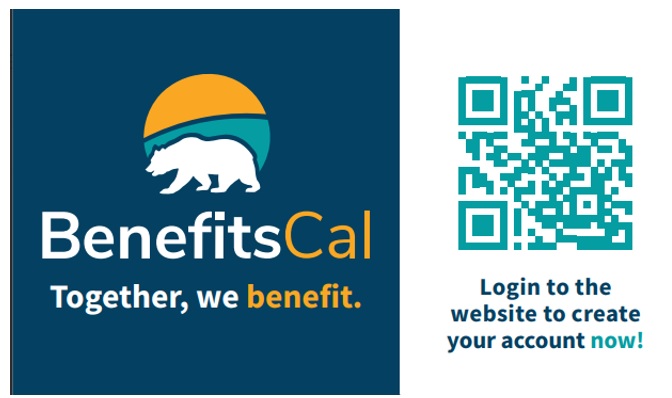
- When creating an account, be sure to click on the link at the top of the BenefitsCal website:

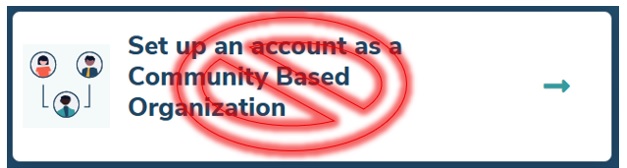
- Individuals applying for benefits should not click on the ‘Set up an account as a Community Based Organization’ option:
RESOURCES
- How-to Guide for BenefitsCal: in English and Spanish
- YouTube Videos: watch how-to videos on setting up your account, uploading documents, submitting reports, and more. For Spanish and other languages, got to Settings in the YouTube video and turn on subtitles.
- BenefitsCal Quick Reference Guides: additional written guides for setting up your account, uploading documents, submitting reports, and more.